LiDAR Definition: Understanding the Laser-Based Tech Behind Modern Mapping

Experience the future of geospatial analysis with FlyPix!

Let us know what challenge you need to solve - we will help!

drone-6586331_1280

LiDAR might sound like something high-tech or complicated, but the idea behind it is actually pretty simple. It’s a way to measure distance using laser light – kind of like how bats use sound to understand their surroundings, but with light instead. 

Today, LiDAR helps with everything from making maps to helping self-driving cars see what’s around them. You’ll find it used in agriculture, archaeology, disaster response, even in space. Let’s take a closer look at what LiDAR really is and why so many industries rely on it.

What LiDAR Definition Actually Is

LiDAR stands for Light Detection and Ranging. It’s a method that measures distance by shooting laser pulses at an object or surface and then recording how long it takes for the light to bounce back. Think of it as echolocation with light instead of sound. That time-of-flight measurement is what helps LiDAR systems figure out how far away something is.

The main goal? To create an accurate 3D map of the environment. Whether that’s the shape of a mountain range, a coastal city, or a stretch of highway, LiDAR helps turn surfaces into data.

What’s Inside a LiDAR System?

A basic LiDAR system typically includes several core components:

  • Laser scanner: Emits short pulses of laser light toward the target.
  • Receiver (sensor): Captures the reflected laser signals.
  • GPS unit: Provides precise positioning of the LiDAR platform.
  • IMU (Inertial Measurement Unit): Records orientation and motion data such as pitch, roll, and yaw.
  • Timing and processing system: Synchronizes signal emission and return, then calculates distances and generates 3D point data, commonly referred to as a point cloud.

Together, these pieces allow LiDAR to collect incredibly detailed spatial data, often in just seconds.

The Different Types of LiDAR

Depending on where the system is mounted and what it’s measuring, LiDAR comes in a few different flavors:

  • Airborne LiDAR: Attached to aircraft or drones, great for wide-area mapping.
  • Terrestrial LiDAR: Ground-based systems, including stationary setups and mobile ones on vehicles.
  • Bathymetric LiDAR: Uses green light to scan underwater surfaces like riverbeds or shallow coastlines.

Each type serves a different purpose, but they all work on the same basic principle: laser out, signal back, distance calculated.

How the Data Becomes a Map

Once the laser pulses are sent and received, the real work begins. Each reflection point has x, y, and z coordinates, forming a dense 3D “point cloud.”

Before the data can be used, it goes through several steps:

  1. Noise removal: Gets rid of weird reflections or errors.
  2. Classification: Tags objects like buildings, trees, or ground.
  3. Downsampling: Reduces file size by removing redundant points.
  4. Formatting: Converts into LAS files, the standard format used in geospatial software.

That clean, labeled dataset can now be used for modeling, analysis, and visualization.

FlyPix AI and Its Role in Geospatial Image Analysis

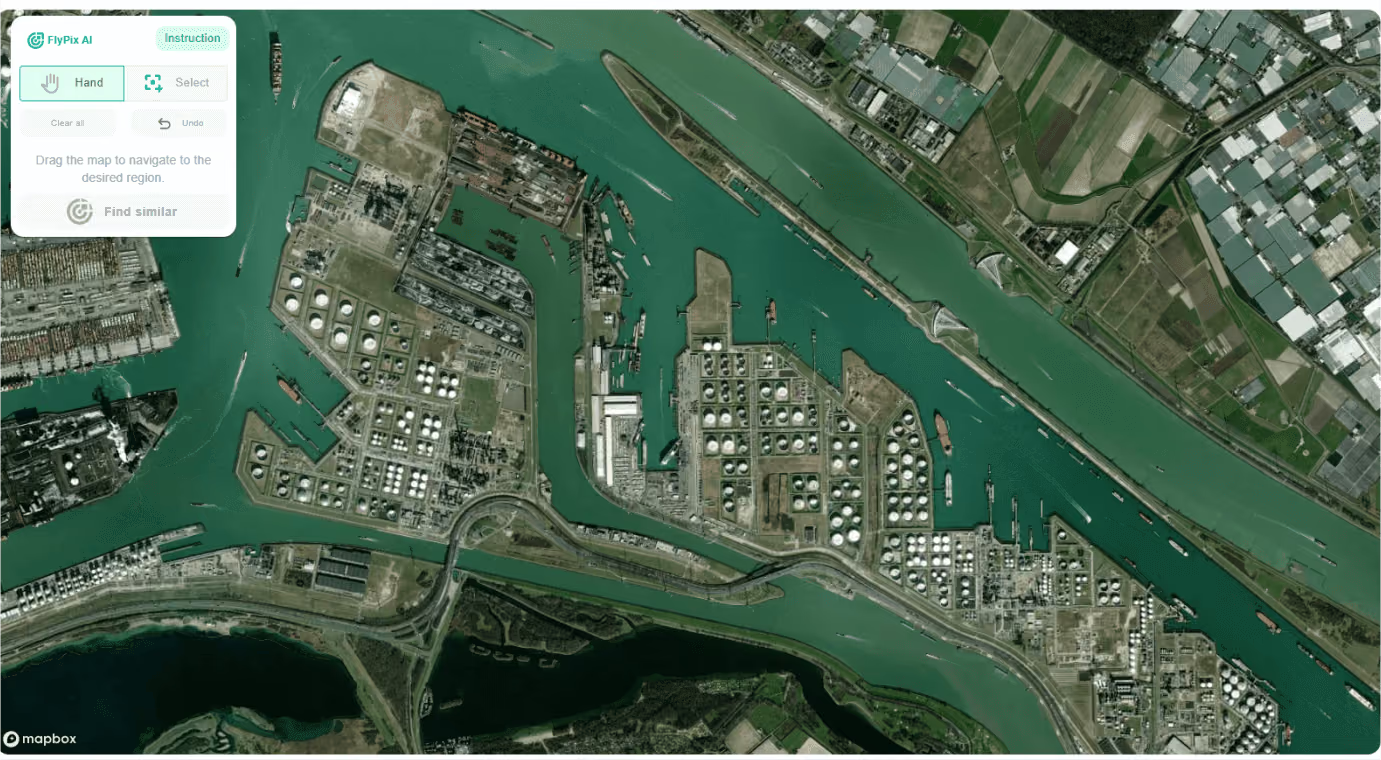
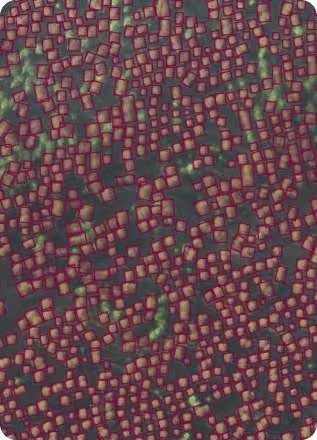
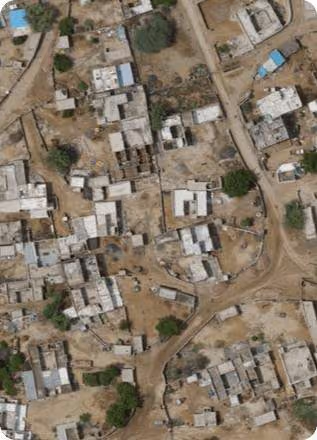
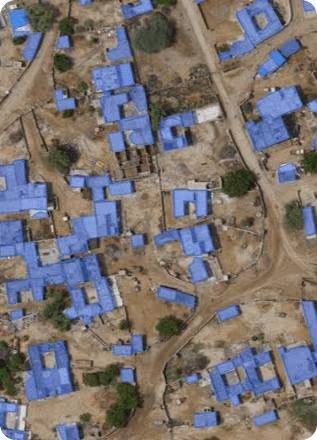
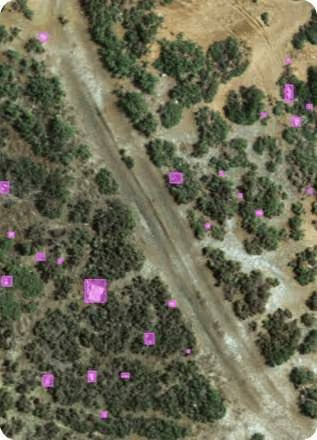
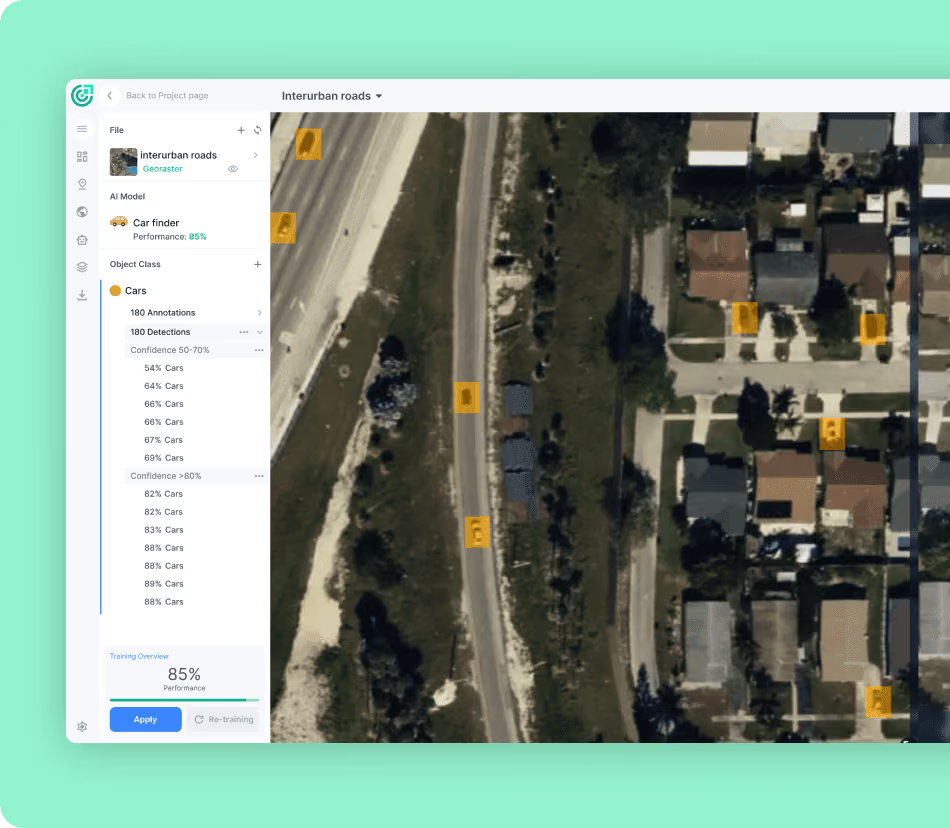
At FlyPix AI, we focus on turning visual geospatial data into fast, actionable insights. Our AI tools are often used together with map layers or elevation data that were created using LiDAR. That combination helps teams analyze large areas visually and get results faster, without spending hours on manual annotation.

Our platform is built for speed and scale. Users can train custom AI models to detect specific objects in satellite, aerial, or drone images – no code or deep AI expertise required. From forestry and infrastructure monitoring to environmental surveys and agriculture, we help teams spot patterns, monitor change, and make smarter decisions faster.

By combining imagery with automation, we’re helping people move from raw pixels to clear insights. And when LiDAR data is part of the broader picture, our tools fit right into that workflow.

Where LiDAR Is Used (and Why It Matters)

LiDAR isn’t just a cool toy for scientists and engineers. It’s become a backbone technology across dozens of industries. Here are just a few examples:

Urban Planning and Infrastructure

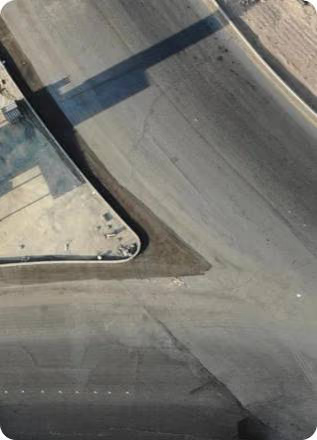
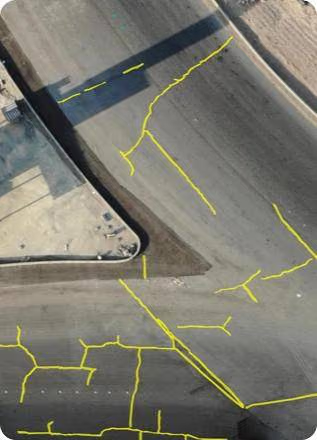
City planners use LiDAR to create high-resolution 3D models of urban environments. Beyond mapping roads and bridges, LiDAR provides detailed spatial data that helps teams analyze infrastructure conditions, measure clearances, and identify changes over time when datasets are compared. Because it captures fine details quickly, planners and engineers can monitor construction progress, verify alignment with design plans, and highlight areas that may require closer inspection. All of this can be done without stopping traffic or interrupting everyday infrastructure use.

Agriculture

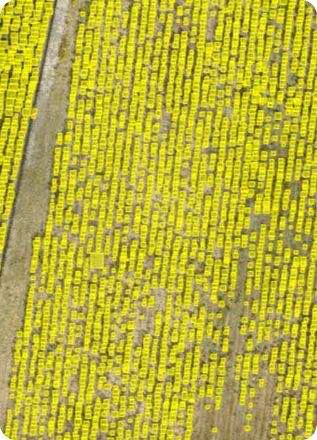
LiDAR plays a big role in modern farming. It’s used to build elevation maps of farmland, which helps with things like water drainage planning, soil type analysis, and even deciding where to plant which crops. By combining LiDAR with other sensor data, farmers can spot uneven growth patterns, identify problem zones, and fine-tune how they apply fertilizer or irrigation. Some autonomous farming vehicles also use LiDAR to navigate fields with more precision and less guesswork.

Forestry and Conservation

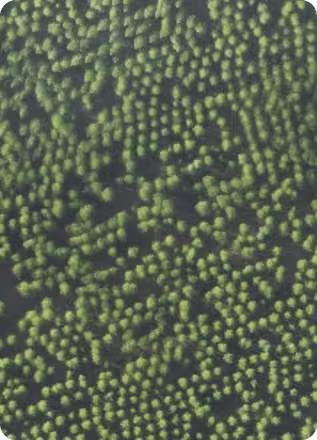
Forests are layered and dense, making them difficult to study from the ground. LiDAR can capture both the top of the canopy and the forest floor, even through thick vegetation. That gives researchers a full vertical profile of tree height, density, and biomass. It’s widely used in forest management, species habitat mapping, and carbon stock estimation. Conservation groups also use it to monitor illegal logging, track forest fires, and understand how ecosystems are changing over time.

Autonomous Vehicles

LiDAR is one of the key sensors in self-driving cars. It sends out rapid pulses of light in all directions, generating a real-time 3D map of everything nearby – curbs, stop signs, cyclists, and pedestrians included. What makes it useful is its ability to detect depth and shape, even in low-light conditions. While some newer systems are experimenting with alternatives like cameras or radar-only setups, LiDAR is still valued for its accuracy and detail, especially in complex urban settings.

Disaster Response and Climate Science

After a natural disaster, speed matters. LiDAR can fly over a damaged area and map everything from collapsed buildings to washed-out roads within hours. That helps emergency teams plan routes, locate survivors, and prioritize where help is needed. In longer-term climate studies, LiDAR is used to track glacier retreat, rising sea levels, shifting coastlines, and the loss of wetlands. Its ability to capture subtle terrain changes makes it a go-to tool for scientists monitoring how the planet is evolving.

Archaeology

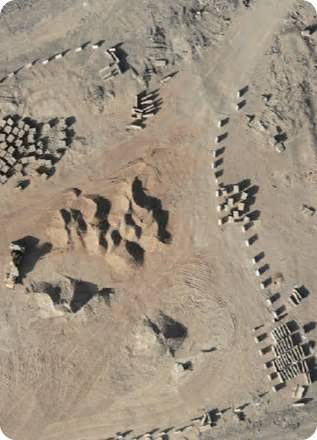
In archaeology, LiDAR is like a time machine that sees through trees. Researchers use it to scan jungles, deserts, and even urban areas to find the faint outlines of roads, temples, and settlements hidden under vegetation or soil. It’s been a game-changer in places like Central America, where it helped uncover vast networks of Mayan structures that had not been fully documented using traditional methods. LiDAR makes it possible to study these sites with minimal disturbance, preserving them for future research.

Pros of Using LiDAR

Like any good tool, LiDAR earns its place by solving real problems well. It doesn’t just collect data – it delivers detail, speed, and flexibility that’s hard to match with traditional methods. 

Whether you’re mapping a dense forest or guiding a robot through a warehouse, here’s why LiDAR is so widely used:

  • High precision: Pinpoint accuracy, even in complex terrains.
  • Speed: Captures massive areas in very little time.
  • Versatility: Works from air, land, or sea.
  • Automation-friendly: Ideal for machine learning and AI applications.

But It’s Not Perfect: Limitations to Know

No tool is flawless, and LiDAR comes with a few caveats:

  • Cost: Hardware, software, and data processing can be expensive.
  • Heavy data: Files are huge and require powerful systems.
  • Weather sensitive: Rain, fog, or snow can mess with readings.
  • Reflectivity issues: Dark or shiny surfaces sometimes confuse the sensors.
  • Limited range: Ground-based LiDAR only goes so far.

Still, these issues are shrinking as technology improves.

LiDAR vs. Radar: What’s the Difference?

It’s easy to confuse LiDAR with radar, but they work on different wavelengths. LiDAR uses laser light (infrared or green) and gives very high-resolution detail. Radar uses radio waves and performs better in bad weather or at longer distances.

You’ll often find them used together, especially in autonomous vehicles, to cover each other’s weaknesses.

The Future of LiDAR

There’s a clear trend toward making LiDAR smaller, cheaper, and more powerful. That includes the rise of solid-state LiDAR (no moving parts), edge computing for real-time analysis, and integration into consumer tech like phones and drones.

We’re also seeing more LiDAR used in:

  • Smart cities: For traffic flow, crowd monitoring, and infrastructure planning.
  • Environmental monitoring: Tracking carbon, biodiversity, and land change.
  • Space exploration: Mapping planetary surfaces.
  • AR/VR: For accurate depth sensing.

As LiDAR gets more accessible, we’re likely to see it show up in places we don’t expect.

Final Thoughts

LiDAR isn’t just about lasers and fancy equipment. It’s a way to see the world more clearly, to turn environments into data, and to make better decisions based on accurate information. From emergency responders to farmers to roboticists, people are using LiDAR every day to solve real problems.

If you’re just now learning about it, you’re already catching up to where the future is headed. And while you might not need to build a LiDAR system yourself, knowing how it works and where it fits can give you a better picture of the tech shaping our world.

FAQ

1. Is LiDAR the same as radar or sonar?

Not quite. They all measure distance, but they use different kinds of waves. Radar uses radio waves, sonar uses sound, and LiDAR uses laser light. That gives LiDAR an edge in capturing really detailed 3D shapes, especially for things like terrain mapping or object detection in self-driving cars. But radar still wins in bad weather.

2. Can LiDAR see through walls or buildings?

No, it can’t. LiDAR isn’t X-ray vision. It bounces light off surfaces, so if a wall is in the way, that’s all it sees. What it can do is see through gaps in vegetation or dense forests, which is why archaeologists love it for jungle sites.

3. Why is LiDAR used in self-driving cars?

Because it’s fast, accurate, and gives a clear picture of what’s around the vehicle. LiDAR helps detect other cars, lane markings, obstacles, and even pedestrians. It’s like giving the car a constantly updating 3D map of its surroundings.

4. Is LiDAR only used by scientists and big companies?

Not anymore. While LiDAR gear used to be expensive and bulky, it’s starting to show up in phones, drones, and even AR/VR tools. There are also platforms that let people work with LiDAR-style data without needing a research lab or a PhD.

5. Can LiDAR work in the rain or fog?

It works, but not perfectly. Weather can scatter the laser light, making it harder to get clean readings. That’s one reason why LiDAR is often combined with radar in vehicles or harsh environments.

6. How is LiDAR different from just using photos or satellite images?

Photos are 2D. They show color and shape, but they don’t give depth. LiDAR builds 3D models from actual distance measurements, so you can measure heights, slopes, or volumes. That makes a huge difference in planning, construction, or environmental monitoring.

7. Do I need to know how to code to use LiDAR data?

Not necessarily. Some platforms (like FlyPix, for example) make it easier by handling the analysis side. You can upload aerial or drone images, train AI models to spot patterns, and get insights without touching code. But if you do like digging into data, there’s a lot you can do with it manually too.

Experience the future of geospatial analysis with FlyPix!