
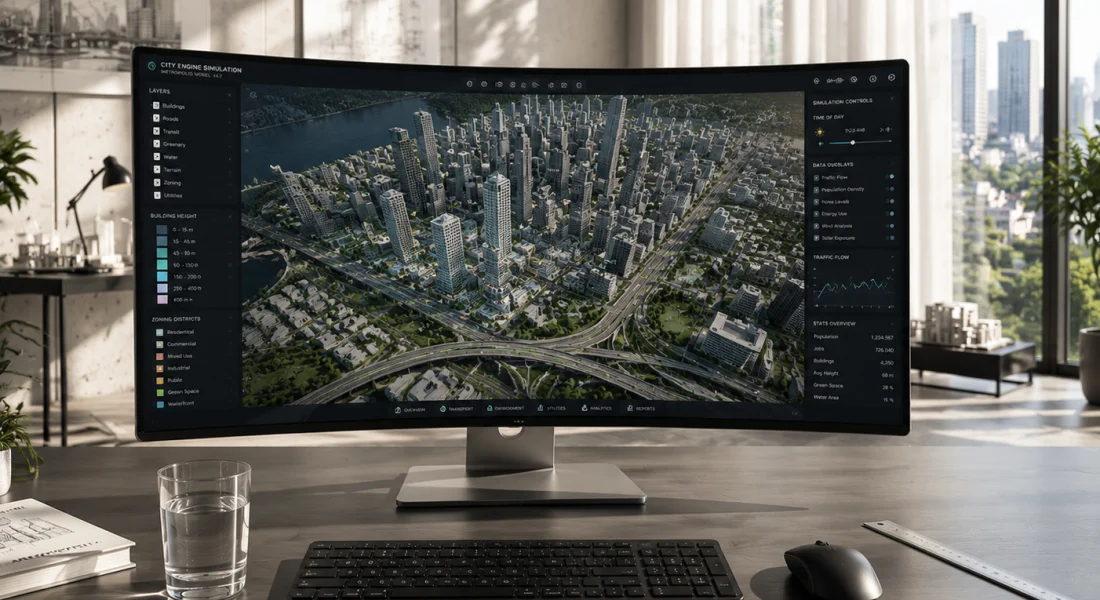
Korte samenvatting: ArcGIS CityEngine is procedurele 3D-software voor stadsmodellering van Esri, ontworpen voor stedenbouwkundigen, planners, architecten en 3D-artiesten. Het maakt snelle creatie en iteratie van enorme stedelijke omgevingen mogelijk met behulp van echte GIS-gegevens of synthetische informatie, met op regels gebaseerde workflows die traditionele modellering versnellen door gebruik te maken van CGA-procedureregels en zichtbaarheidsanalysetools.
Stedenbouwkunde vereist precisie, flexibiliteit en snelheid. Traditionele 3D-modelleringsworkflows hebben moeite om aan alle drie te voldoen, vooral bij grootschalige projecten die duizenden gebouwen en complexe infrastructuurnetwerken omvatten.
ArcGIS CityEngine verandert dat. Als procedurele 3D-stadsgenerator transformeert het de manier waarop professionals stedelijke omgevingen benaderen – van snelle prototyping van ontwikkelingsscenario's tot gedetailleerde zichtbaarheidsstudies die concrete planningsbeslissingen onderbouwen.
Deze review onderzoekt wat CityEngine uniek maakt, waarin het uitblinkt en welke beperkingen planners moeten begrijpen voordat ze voor het platform kiezen.
Wat is ArcGIS CityEngine?
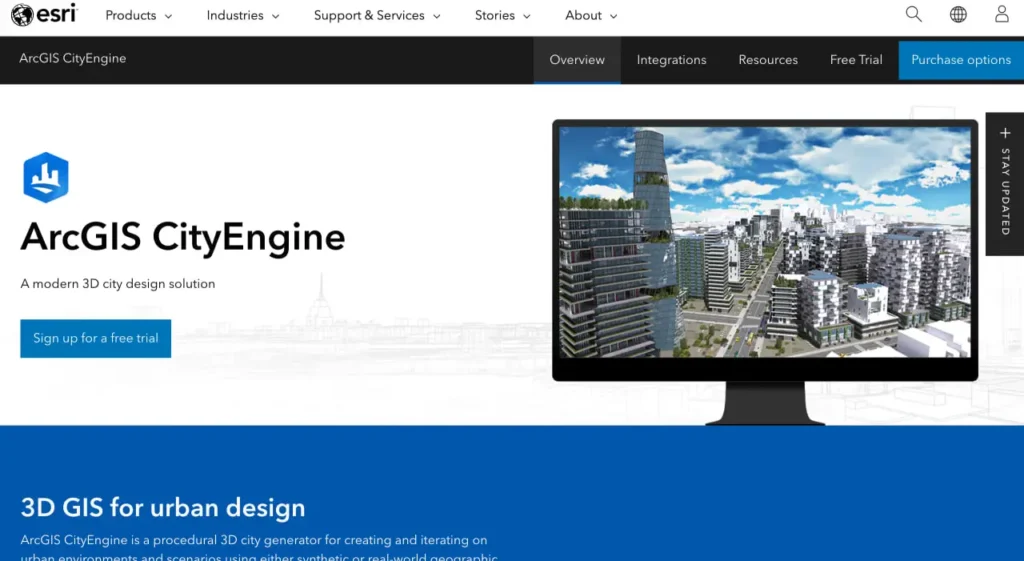
Volgens de officiële website is ArcGIS CityEngine een procedurele 3D-oplossing voor stadsontwerp waarmee stedelijke omgevingen kunnen worden gecreëerd en verfijnd met behulp van synthetische of reële geografische informatiesysteemgegevens. De software positioneert zichzelf als een essentieel hulpmiddel voor stedenbouwkundigen, planologen, architecten en 3D-artiesten.
De procedurele aanpak onderscheidt CityEngine van conventionele modelleertools. In plaats van elk gebouw of elke straat handmatig te ontwerpen, definiëren ontwerpers regelsets die automatisch geometrie genereren. Wijzig een parameter en complete stadsblokken worden binnen enkele ogenblikken bijgewerkt.
Eerlijk gezegd: dit is geen software voor doorsnee gebruikers. CityEngine is gericht op professionals die snel stedelijke scenario's moeten visualiseren – of het nu gaat om het testen van concepten voor stadsontwikkeling rondom openbaar vervoer, het beoordelen van de impact van verschillende architectuurstijlen of het analyseren van zichtlijnen voor de plaatsing van windturbines.
Kernontwerpfilosofie
De architectuur van CityEngine is gebaseerd op CGA-regels (Computer Generated Architecture). Deze procedurele regels bepalen hoe vormen worden opgesplitst, geëxtrudeerd en van texturen voorzien om gebouwen, straten of infrastructuur te creëren.
De kracht schuilt in de iteratie. Planners kunnen de parameters van de regels aanpassen om tientallen scenario's te onderzoeken – verschillende bouwhoogtes, afstandseisen tot de perceelgrens of architectonische stijlen – zonder de modellen helemaal opnieuw te hoeven opbouwen. Deze mogelijkheid versnelt workflows die in traditionele modelleersoftware weken zouden duren.
Analyseer stedelijke en infrastructuurgegevens met FlyPix AI.
Steden, bouwplaatsen en infrastructuurprojecten genereren grote hoeveelheden geodata. FlyPix AI helpt organisaties bij het verwerken van luchtfoto's, satellietbeelden en dronebeelden om objecten te identificeren, veranderingen te monitoren en planningsactiviteiten te ondersteunen.
Wilt u beter inzicht in geodata?
FlyPix AI kan helpen met:
- infrastructuurbewaking
- Detectie en tracking van objecten
- analyse van luchtfoto's
- geautomatiseerde geospatiale inspecties
👉 Probeer FlyPix AI om oplossingen voor geospatiale monitoring te onderzoeken.
Belangrijkste kenmerken en mogelijkheden
CityEngine biedt diverse gespecialiseerde tools die het onderscheiden in de categorie stedenbouwkundige software. Hieronder een overzicht van de belangrijkste tools voor productiewerk.
Procedureel modelleren met CGA-regels
Het CGA-regelsysteem vormt de basis van CityEngine. Regels definiëren geometrische bewerkingen – zoals het opsplitsen van gevels in verdiepingen, het toevoegen van architectonische details en het toepassen van materialen – die automatisch worden uitgevoerd op duizenden gebouwen.
Voor teams die aan grootschalige projecten werken, levert deze aanpak enorme tijdsbesparingen op. Met één enkele set regels kan een complete buurt in enkele minuten worden gegenereerd. Maar er is een addertje onder het gras: het schrijven van effectieve CGA-regels vereist programmeerkennis. Ontwerpers die vertrouwd zijn met scripttalen passen zich snel aan; degenen die alleen visuele tools verwachten, zullen een steilere leercurve ervaren.
De CityEngine SDK breidt deze mogelijkheid uit, waardoor ontwikkelaars aangepaste plug-ins en zelfstandige applicaties kunnen maken die CGA-regels uitvoeren. Op Linux-systemen vereist de SDK GCC 11.2 of later (Red Hat Enterprise Linux DevToolSet 11) met C++20-standaardvlaggen (-std=c++20).
Zichtbaarheidsanalysetools
CityEngine 2017.1 introduceerde nieuwe zichtbaarheidsanalysetools (Viewshed, View Dome en View Corridor) voor interactieve zichtbaarheidsanalyse in 3D-scènes. Volgens de officiële documentatie tonen deze tools oppervlakken en structuren die zichtbaar zijn vanaf observatiepunten, waardoor vrijwel realtime verkenning van het zichtbaarheidsgebied mogelijk is.
Praktische toepassingen tonen de kracht aan. Onderzoekers van UC Louvain gebruikten de door Python geautomatiseerde zichtbaarheidsanalyses van CityEngine om geschikte locaties te bepalen voor kleine stedelijke windturbines in Brussel. Verbeterde 3D-modellen verminderden de algehele zichtbaarheid van de turbines met 1,31 TP3T, waardoor de plaatsing kon worden geoptimaliseerd voor esthetische en functionele eisen.
Het zichtbaarheidsrapport geeft de gegevens per laag weer in steradianen (vermenigvuldigd met 1000 voor betere leesbaarheid), waarbij de gezichtspunten zijn geselecteerd als zichtbaarheidslagen en de doelobjecten zijn gedefinieerd via targetFilter-expressies.
Straatontwerpmodule
Volgens recente officiële blogberichten richt Street Designer zich specifiek op de openbare ruimte – een fundamenteel onderdeel van stadsplanning. De tool is ontwikkeld om straatontwerp eenvoudig en, zoals de ontwikkelaars zelf aangeven, zelfs leuk te maken door middel van precieze, flexibele workflows voor het testen van verschillende ruimtelijke indelingen en serviceniveaus.
Straten hebben een grote invloed op de identiteit en leefbaarheid van een plek. Street Designer erkent dit door het ontwerpproces te centreren rond snelle iteratie en scenariovergelijking, kernsterkten van de procedurele aanpak.
Integratie en gegevensondersteuning
CityEngine gebruikt GIS-gegevens uit meerdere bronnen, waaronder ArcGIS Online en Portal for ArcGIS-instanties (hoewel versie 2025.0 een gedocumenteerd probleem heeft (BUG-000178786) waarbij geen verbinding kan worden gemaakt met Portal for ArcGIS-instanties wanneer het SSL-certificaat van de portal de CRL Distribution Points-extensie mist).
De software exporteert naar formaten die compatibel zijn met visualisatietools, VR/AR-productiepipelines en andere ontwerpapplicaties. Er bestaan door de community ontwikkelde integraties voor tools zoals Houdini, waardoor CityEngine ook toepasbaar is in workflows voor visuele effecten.
Praktische toepassingen
Los van de theorie, hoe implementeren organisaties CityEngine in de praktijk? Casestudies onthullen praktische patronen.
De stad Mesa in Arizona heeft ArcGIS-technologieën (waaronder CityEngine-workflows) gebruikt om stadsplanningsprojecten radicaal te veranderen. Planners richtten zich op het verbeteren van de communicatie over actieve ontwikkelingslocaties, het bevorderen van op openbaar vervoer gerichte ontwikkeling en het vergroten van de betrokkenheid van belanghebbenden door middel van interactieve kaarten.
Aan de Universiteit van Californië in Leuven hebben onderzoekers een specifiek probleem aangepakt: het bepalen van de optimale locatie voor kleine stedelijke windturbines die schone energie opwekken en tegelijkertijd de visuele impact minimaliseren. De Python-automatiseringsmogelijkheden van CityEngine maakten een systematische zichtbaarheidsanalyse mogelijk voor verschillende gebouwconfiguraties. Het project liet zien hoe procedurele tools analytische workflows aankunnen die met handmatige modellering onpraktisch zouden zijn.
Uit gesprekken binnen de gemeenschap blijkt dat CityEngine wordt gebruikt door overheidsdiensten voor ruimtelijke ordening, architectenbureaus die werken aan grootschalige projecten en universiteiten die cursussen stedenbouwkunde aanbieden. Onderwijsinstellingen verkrijgen vaak licenties voor docenten/medewerkers via overeenkomsten met de universiteit.
Sterke punten en beperkingen
Geen enkele softwaretool is perfect. CityEngine ruilt bepaalde functionaliteiten in voor andere, en inzicht in die afwegingen helpt teams om weloverwogen beslissingen te nemen over de implementatie.
| Sterke punten | Beperkingen |
|---|---|
| Snelle generatie van modellen op stadsniveau | De CGA-regels vereisen een steile leercurve. |
| Op regels gebaseerde iteratie versnelt het testen van scenario's. | Beperkte controle over organische/artistieke modellering |
| Native GIS-data-integratie | Vereist bekendheid met het Esri-ecosysteem. |
| Geavanceerde tools voor zichtbaarheidsanalyse | Programmeerkennis is nuttig voor geavanceerd gebruik. |
| Python/SDK-automatiseringsondersteuning | Niet ideaal voor op maat gemaakte, unieke gebouwen. |
| Gevestigd in de sector van de stedenbouw. | Voor prijsinformatie dient u een officiële aanvraag in te dienen. |
De procedurele aanpak is inherent geschikt voor projecten waarbij herhaling en variatie belangrijker zijn dan maatwerk. CityEngine blinkt uit bij het genereren van 500 woongebouwen met parametrische variaties; het is minder optimaal voor het handmatig ontwerpen van één markant gebouw met unieke architectonische details.
Voor wie is CityEngine bedoeld?
CityEngine richt zich op specifieke professionele profielen. Stedenbouwkundigen die ontwikkelingsscenario's evalueren, profiteren van snelle iteratie. Architecten die werken aan grote, planmatig ontwikkelde woonwijken, winnen aan efficiëntie door op regels gebaseerde generatie.
GIS-analisten die 3D-visualisatiemogelijkheden nodig hebben, zullen de native data-integratie waarderen. Verkeersplanners die onderzoek doen naar op het openbaar vervoer gerichte stadsontwikkeling kunnen snel de impact op de bebouwde omgeving modelleren.
Maar wacht eens even – wie zou CityEngine níét moeten kiezen? Kleine architectenbureaus die zich richten op individuele, op maat gemaakte gebouwen, zouden de investering niet gerechtvaardigd vinden. Ontwerpers die puur visuele workflows zonder scripting nodig hebben, zullen het moeilijk hebben. Teams zonder GIS-infrastructuur kunnen problemen ondervinden bij de integratie.
Licenties en beschikbaarheid
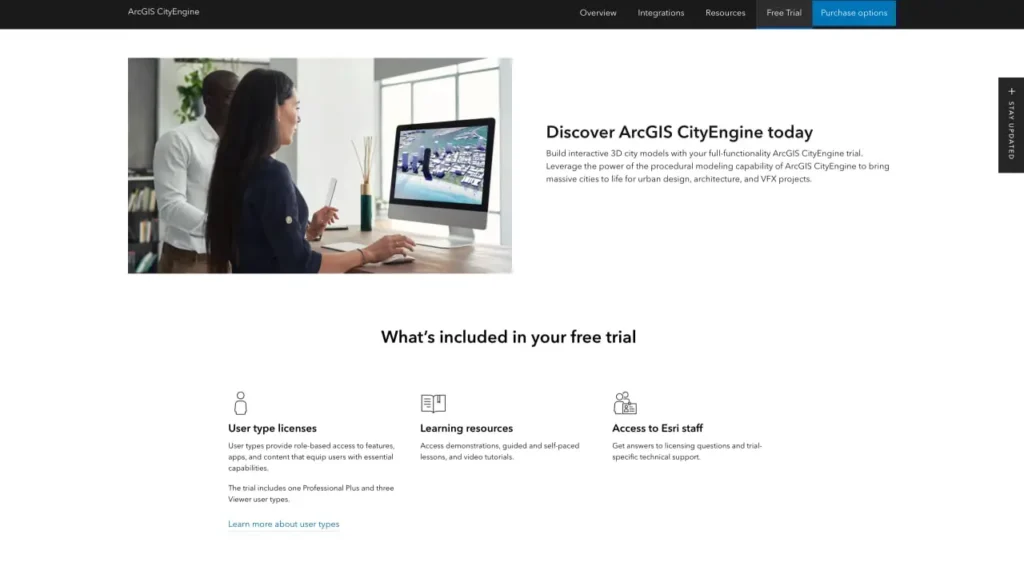
Esri biedt CityEngine aan via verschillende licentieovereenkomsten. Volgens de officiële website is een gratis proefperiode beschikbaar. Onderwijsinstellingen kunnen licenties voor docenten/medewerkers verkrijgen via universitaire overeenkomsten (verwijzingen naar de licentieperiodes 2022-2025 zijn te vinden in de webwinkels van universiteiten).
Raadpleeg de officiële Esri-website voor actuele prijzen en abonnementsopties, aangezien licentiestructuren en kosten variëren afhankelijk van het type organisatie en de schaal van de implementatie.
Aan de slag
Nieuwe gebruikers moeten CityEngine systematisch benaderen. Begin met de tutorialgalerij die beschikbaar is in de officiële documentatie. Deze tutorials behandelen praktijkproblemen en bieden praktische ervaring met de belangrijkste workflows.
Neem de tijd om de syntaxis van de CGA-regels te leren voordat je aan productieprojecten begint. De regeltaal is niet intuïtief voor ontwerpers zonder programmeerachtergrond, maar beheersing ervan levert een hogere productiviteit op.
Verken de CityEngine-bibliotheek (ESRI.lib), die nuttige CGA-regels en -elementen bevat. Bijdragen van de community op platforms zoals GitHub bieden aanvullende regelsets en integratievoorbeelden.
Organisaties kunnen overwegen om pilotprojecten uit te voeren waarbij CityEngine wordt getest op representatieve workflows, alvorens over te gaan tot een grootschalige implementatie. De waarde van de software neemt toe met de projectomvang: de voordelen worden duidelijker bij grotere en complexere scenario's.
Veelgestelde vragen
ArcGIS CityEngine creëert procedurele 3D-modellen van stedelijke omgevingen voor planning, ontwerp en visualisatie. Stedenbouwkundigen gebruiken het om snel stadsscenario's te genereren en te verfijnen, ontwikkelingsconcepten te testen en zichtbaarheidsanalyses uit te voeren met behulp van echte GIS-gegevens of synthetische informatie.
Procedureel modelleren maakt gebruik van regelsets (CGA-regels in CityEngine) die automatisch geometrie genereren op basis van parameters. In plaats van elk gebouw handmatig te modelleren, definiëren ontwerpers regels die honderden variaties creëren. Deze aanpak versnelt grootschalige projecten aanzienlijk, maar vereist wel dat de regeltaal wordt aangeleerd.
Ja. CityEngine integreert naadloos met ArcGIS Online, Portal for ArcGIS en andere GIS-gegevensbronnen. Het gebruikt geografische informatie om 3D-scènes te genereren die de werkelijke situatie weerspiegelen, waardoor het bijzonder waardevol is voor planningsafdelingen met een gevestigde GIS-infrastructuur.
In versie 2017.1 zijn zichtbaarheidsanalysetools geïntroduceerd die laten zien welke oppervlakken en structuren zichtbaar zijn vanuit specifieke observatiepunten in 3D-scènes. Deze interactieve zichtbaarheidsanalyses worden vrijwel in realtime uitgevoerd en helpen planners bij het beoordelen van zichtlijnen, visuele impact en esthetische overwegingen voor ontwikkelingsvoorstellen.
CityEngine kent een steile leercurve, vooral voor gebruikers zonder programmeer- of GIS-ervaring. Het CGA-regelsysteem vereist kennis van scripting om alle mogelijkheden te benutten. Beginners moeten rekening houden met een aanzienlijke leercurve en doen er goed aan eerst met tutorials te beginnen voordat ze in een productieomgeving aan de slag gaan.
Stedenbouwkundige afdelingen, architectenbureaus die werken aan grootschalige stadsontwikkelingsprojecten, vervoersbedrijven, onderwijsinstellingen voor stedenbouw en VR/AR-ontwikkelaars die meeslepende stadservaringen creëren, vormen de belangrijkste gebruikersgroep. Sommige studio's voor visuele effecten gebruiken CityEngine voor het genereren van stedelijke achtergronden.
Esri publiceert geen standaardprijzen. Licenties variëren afhankelijk van het type organisatie, de schaal van de implementatie en de academische status. Een gratis proefversie is beschikbaar op de officiële website. Neem rechtstreeks contact op met Esri of raadpleeg de IT-afdeling van de universiteit (voor onderwijsinstellingen) voor actuele prijsinformatie.
Eindconclusie
ArcGIS CityEngine neemt een gespecialiseerde positie in binnen het 3D-ontwerpecosysteem. Voor organisaties die zich bezighouden met grootschalige stedelijke scenario's die snelle iteratie en GIS-integratie vereisen, biedt de software aanzienlijke meerwaarde. De procedurele aanpak transformeert workflows die anders weken zouden duren tot taken die in dagen kunnen worden afgerond.
Dat gezegd hebbende, is CityEngine geen universele oplossing. De investering in training is aanzienlijk. Teams moeten zich inzetten om de CGA-regels en procedureel denken onder de knie te krijgen. Organisaties zonder GIS-infrastructuur of projecten die te klein zijn om procedurele methoden te rechtvaardigen, vinden wellicht betere oplossingen elders.
De tools voor zichtbaarheidsanalyse, de automatiseringsmogelijkheden met Python en de Street Designer-module tonen aan dat Esri blijft investeren in het platform. Voor de juiste toepassingen – studies naar op openbaar vervoer gerichte stadsontwikkeling, visualisaties van masterplannen, zichtbaarheidsanalyses – blijft CityEngine een krachtige en volwaardige optie.